Aura frame vs Callie: we own an Aura, here’s where each one fits
Full disclosure in both directions: we make Callie, and there's an Aura frame in our house that we'd buy again tomorrow. So this isn't a takedown. It's an honest answer to a question we get from families looking at both: if Callie already turns the TV into a photo frame, do you still want an Aura? Sometimes yes, and the reasons are specific.
What the Aura gets right
Aura's frames are the best single-purpose photo frames we've used, and the reasons are mostly about restraint:
- No subscription. Every frame includes unlimited photo and video storage with nothing to renew. The Carver 10" is $149, the Aspen 12" is $229, and the Walden 15" lists at $299 (it's been on sale for $239). Pay once, done.
- Setup a grandparent can survive. You can set the frame up from your own phone before you gift it. It shows up at their house already connected to the family's photos, and they never touch an app.
- The screen looks like a print. The matte panels and auto-brightness are tuned to sit on a shelf in a lit room without glowing. Most cheap frames look like a tablet in a picture frame; Aura's don't.
- Anyone can add photos. Invite the whole family and their pictures land on the frame from their phones.
Ours lives on a bedroom dresser. It does one job, it does it quietly, and in all the time we've had it nobody has had to think about it.
What it doesn't do
An Aura shows photos and videos. That's the whole product, and it's by design: there's no calendar, no to-do list, nothing that tells you the swim meet moved to 4:30. The screen is also 10–15 inches, which is perfect across a dresser and too small across a living room.
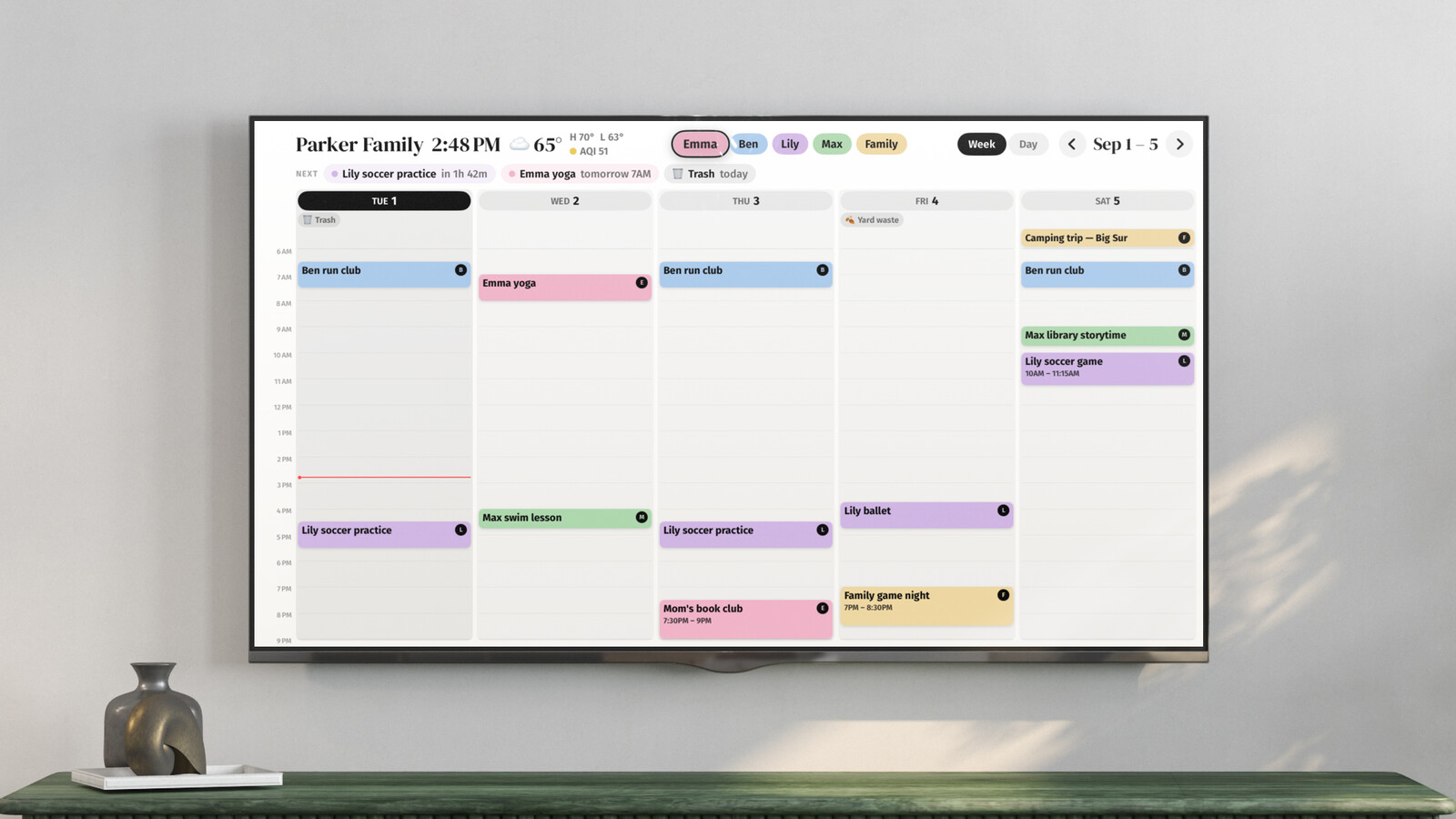
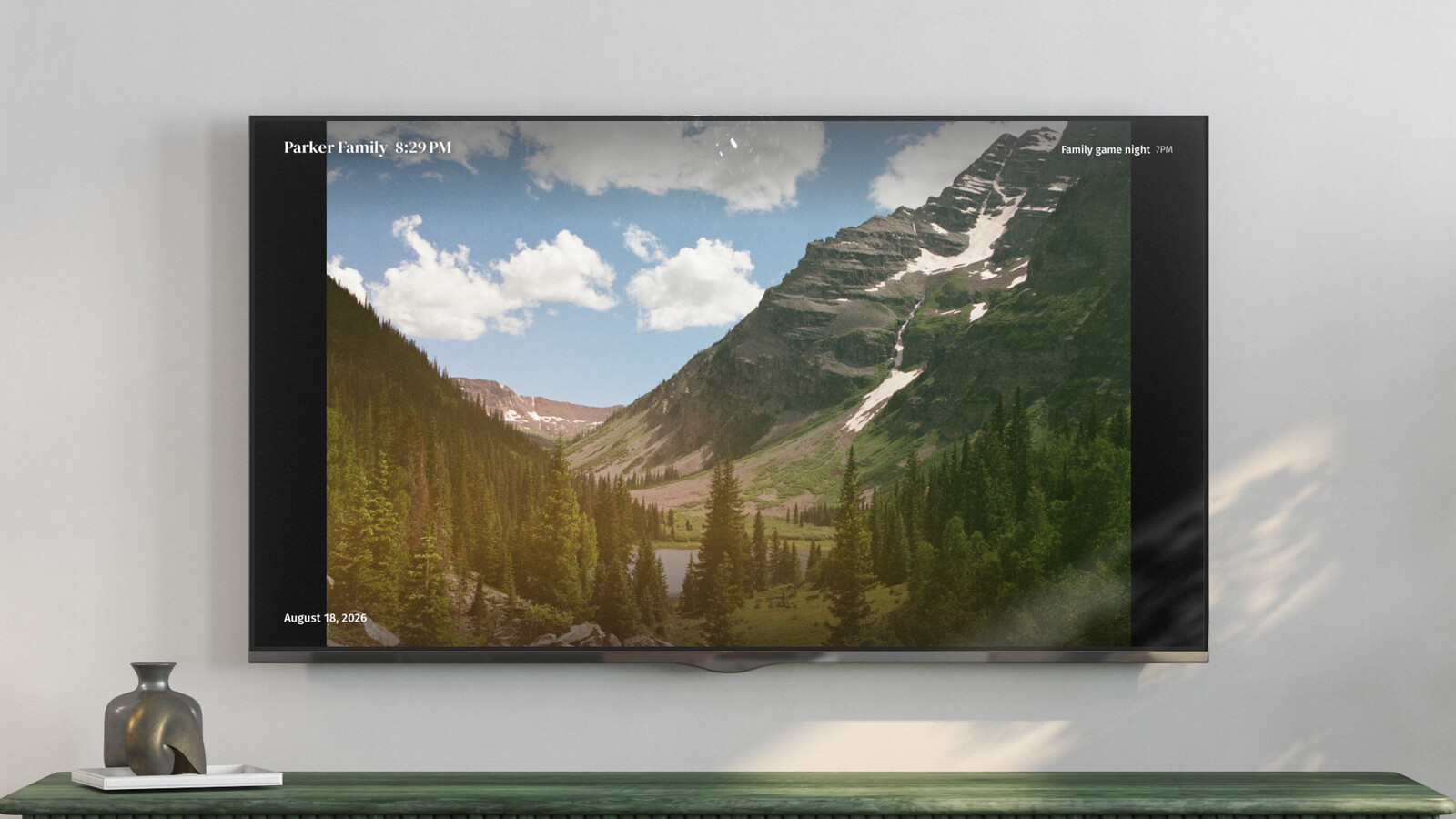
That's the gap Callie fills. On an Apple TV, iPad, or iPhone it shows the family week, each person in their own color, pulled from the iCloud and Google calendars you already use. When nobody's looking, it switches to a slideshow from an iCloud Shared Album or Google Photos shared album, with the clock and the next event in the corner.
Side by side
| Aura frame | Callie | |
|---|---|---|
| What you buy | A frame, $149–$299 | An app for the Apple TV, iPad, or iPhone you have |
| Ongoing cost | None | Free in beta, then $3/month or $30/year per family |
| Screen size | 10"–15" | Whatever your TV is |
| Photos from | The Aura app, invited family members | iCloud or Google Photos shared albums |
| Family calendar | No | Yes, the main event |
| Best spot | Bedroom, office, a grandparent's mantel | Kitchen and living room |
So which one?
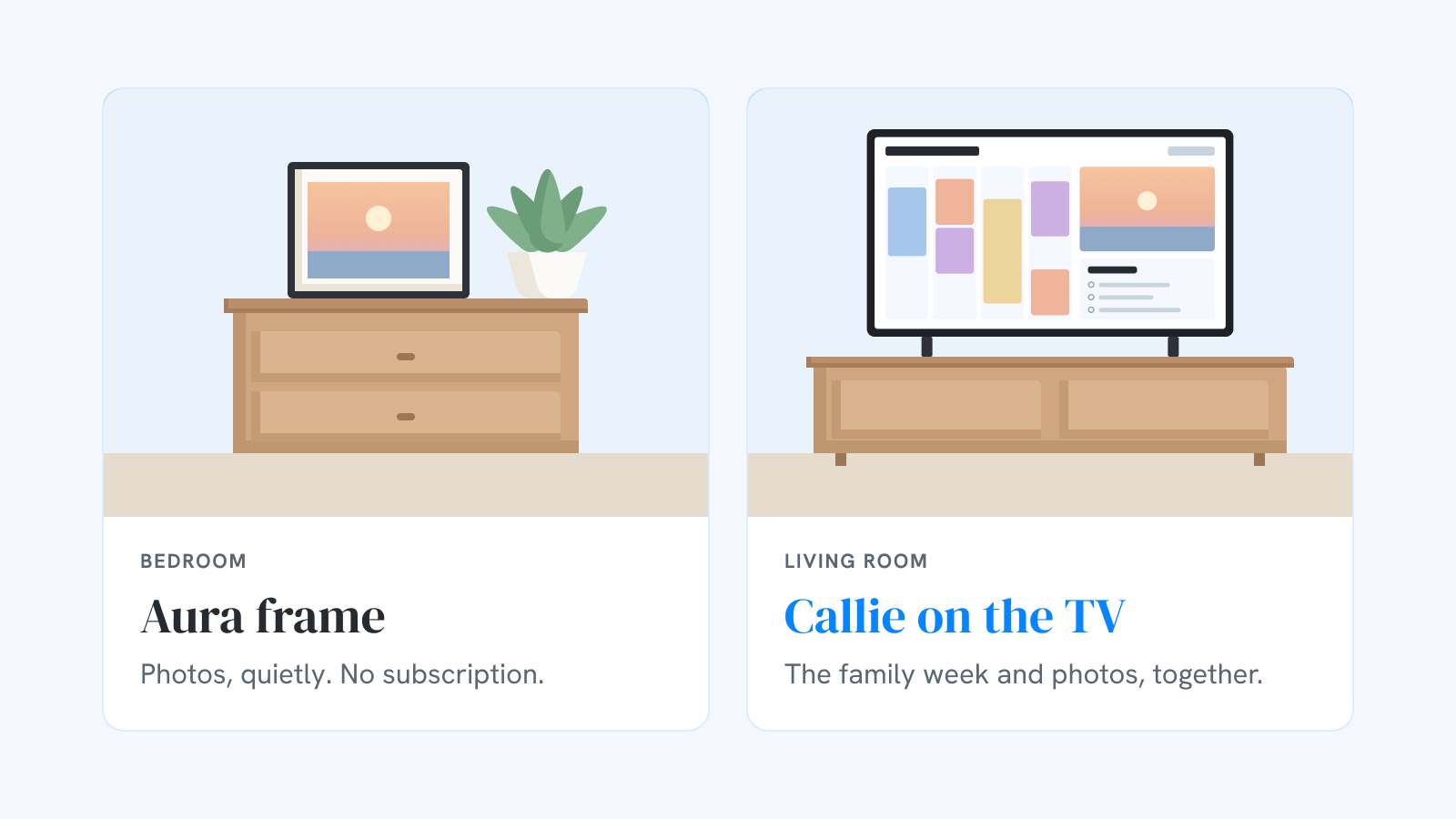
Buy an Aura if you want a photo frame and nothing else, especially as a gift. For the grandparents it's the easiest thing we know of: no subscription for them to manage, no calendar they don't need, and your photos arrive without anyone lifting a finger.
Use Callie if the screen you'd put a frame on is really the place the family plans: the kitchen, the living room, the TV everyone walks past on the way out the door. There, a frame that can also answer "what's on today?" earns its spot, and it's a 55-inch frame you already paid for.
Both is what we actually do. Callie's on the living-room TV, where the week matters. The Aura is in the bedroom, where it doesn't. If you already have an Aura you love, keep it. Point Callie at a shared album and the big screen in the house can carry the same photos.
Keep reading
- The best family calendars in 2026: apps, displays, and your TV
- 6 Skylight Calendar alternatives worth a look in 2026
- Is the Skylight Calendar worth it? The five-year math
Callie puts the family calendar on the Apple TV, iPad, and iPhone you already own. See how it works or start free.