🔗 Add your calendars
Callie reads the private feed link your calendar already publishes — it never asks for your Apple or Google password, and it can't change anything in your calendar. One shared family calendar or one per person: both work, and you can add as many as you like.
iCloud
Family i
Kids i
Work i
1Open the calendar's info
In the Calendar app on your iPhone or Mac, tap the ⓘ next to the calendar you want
on the board.
Public Calendar
Anyone with the link can view
Share Link…
2Turn on Public Calendar
Flip on Public Calendar, then tap Share Link… and copy it. Despite the name,
only people with the link can see it.
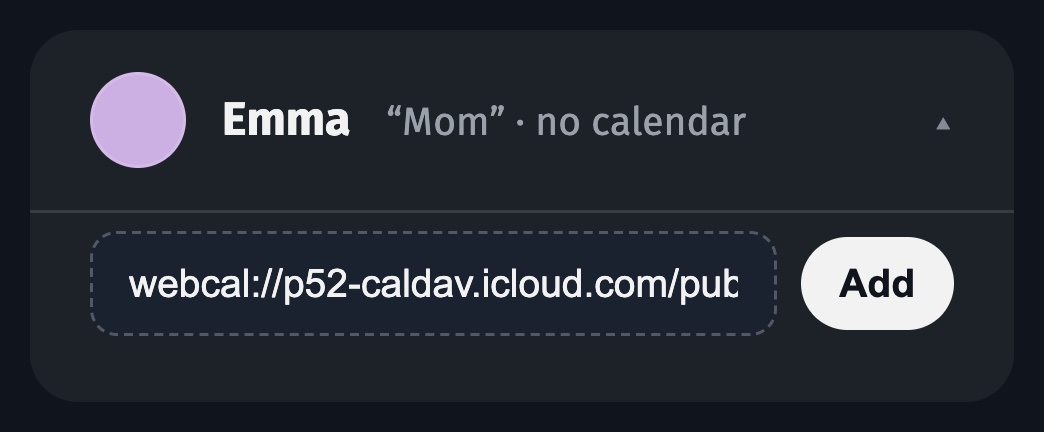
3Paste it under the person
In my.callie.so → People, open the person and paste
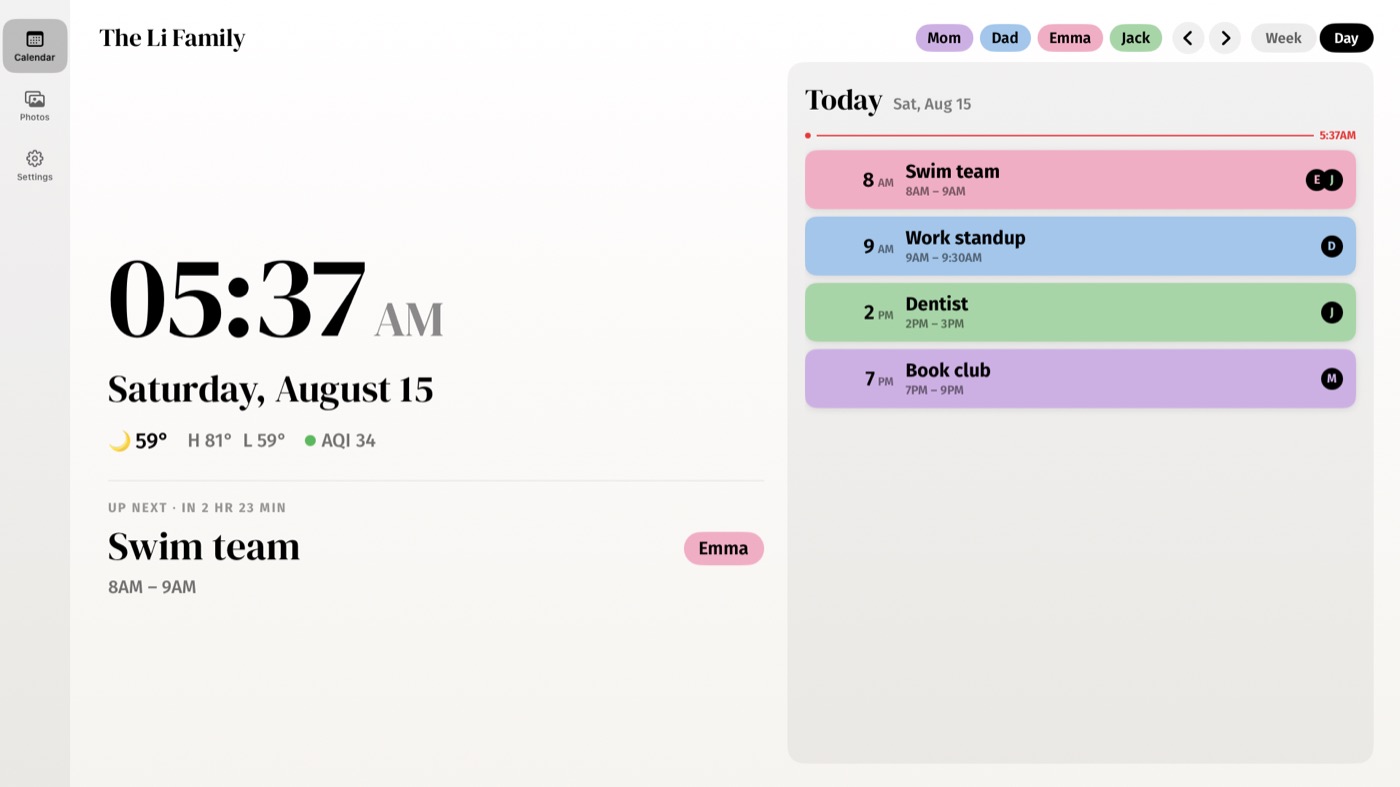
the link under Calendars. Their events appear in their color.
Dan
⋮
Settings and sharing
1Open the calendar's settings
In Google Calendar on the web, hover the calendar in the left list, click ⋮, then
Settings and sharing.
Secret address in iCal format
https://calendar.google.com/…/basic.ics
Copy
2Copy the secret address
Scroll to Secret address in iCal format and copy it. This link is private to you —
treat it like a password.
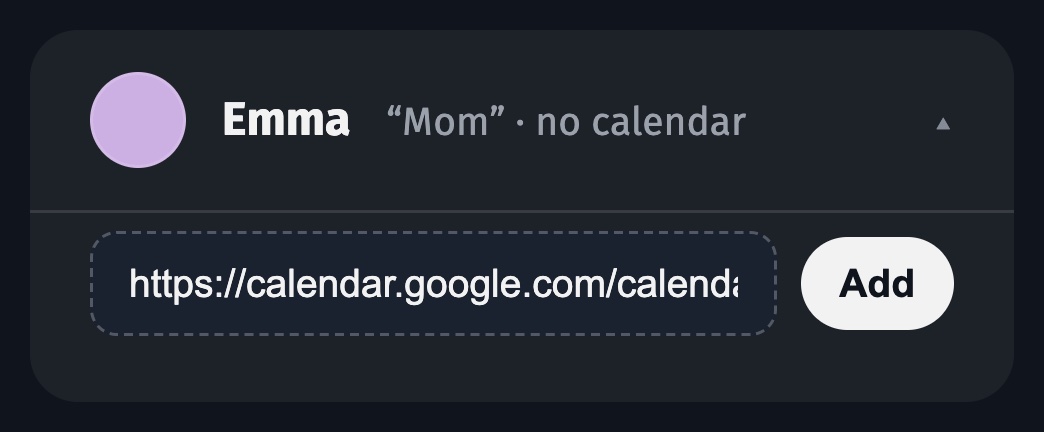
3Paste it under the person
In my.callie.so → People, open the person and paste
the link under Calendars.
New events usually appear within a few minutes — Callie refreshes every feed regularly.
Keep going
- Create your family — Accounts, passkeys, and inviting up to five more adults.
- Link your screens — Put the board on every Apple TV, iPad, and iPhone with a 6-digit code.
- People, colors, and tagging — Everyone gets a color; Callie works out whose event is whose.
Stuck? Contact us for help.