👋 Create your family
Callie starts on the web: go to my.callie.so and create a family. One account is enough to run the whole thing.
Sign in without passwords
Callie is passkey-first — sign in with Face ID or Touch ID and there's no password to forget. You can add a password too (or instead) if you prefer, and a recovery email in case you're ever locked out.
Invite the other adults
On the Family page, tap Invite to get a 6-digit code. Anyone with the code can create their own account inside your family — up to six members in all. Everyone sees and edits the same setup.
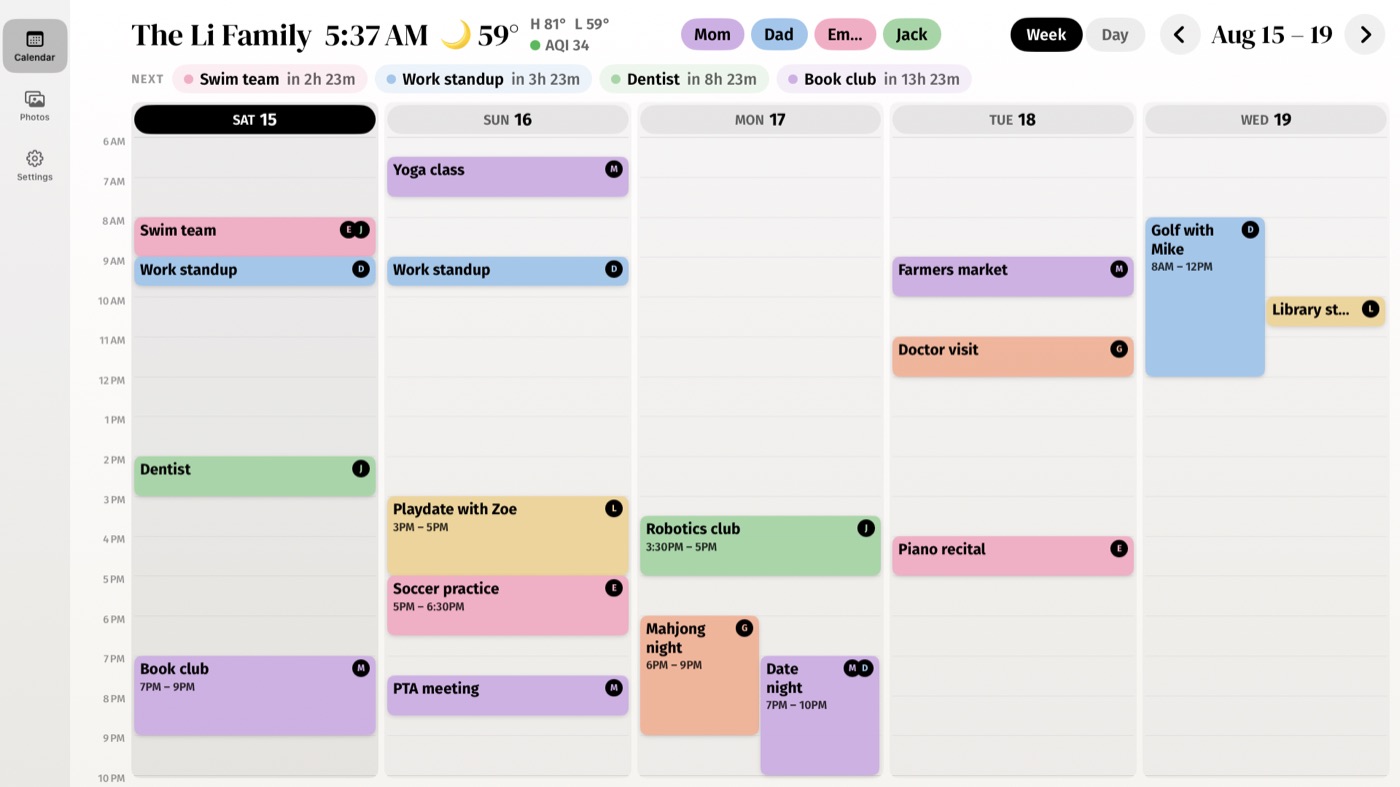
Kids don't need accountsAdd them as people on the calendar instead. They get a color and their events, without a sign-in. There's no limit on people.
Keep going
- Add your calendars — Get the private feed link from iCloud or Google and paste it in.
- Link your screens — Put the board on every Apple TV, iPad, and iPhone with a 6-digit code.
- People, colors, and tagging — Everyone gets a color; Callie works out whose event is whose.
Stuck? Contact us for help.